

 椰子, 干净, 白色, 棕褐色, 棕色, 巧克力, Lightroom, 移动电话, 预设, 明亮, 通风, 鞣制, 棕褐色, 太阳, 胶片
编号 :50-coconut-tones-lightroom-presets-and-luts-G59GDNK
椰子, 干净, 白色, 棕褐色, 棕色, 巧克力, Lightroom, 移动电话, 预设, 明亮, 通风, 鞣制, 棕褐色, 太阳, 胶片
编号 :50-coconut-tones-lightroom-presets-and-luts-G59GDNK
- 支持的软件Adobe Lightroom CC 2019+, Adobe Lightroom Classic CC 2019+, Adobe Camera Raw 11+, Adobe Photoshop CC 2019+, Adobe Premiere Pro CC, Adobe After Effects CC, Final Cut Pro X 10.4+, Blackmagic Design DaVinci Resolve, The Foundry Nuke, Sony Vegas, Wondershare Filmora, Avid Media Composer, CyberLink ColorDirector, Open Broadcaster Software Apple iOS Devices: Adobe Lightroom CC, LumaFusion, Video LUT Android Devices: Adobe Lightroom CC
- 文件格式XML
- 50个Lightroom移动和桌面预设
- 50个DNG Lightroom Mobile预设
- 50个LUT(3dl,cube, look,,mga,OBS)
- 真正的Lightroom移动和桌面支持
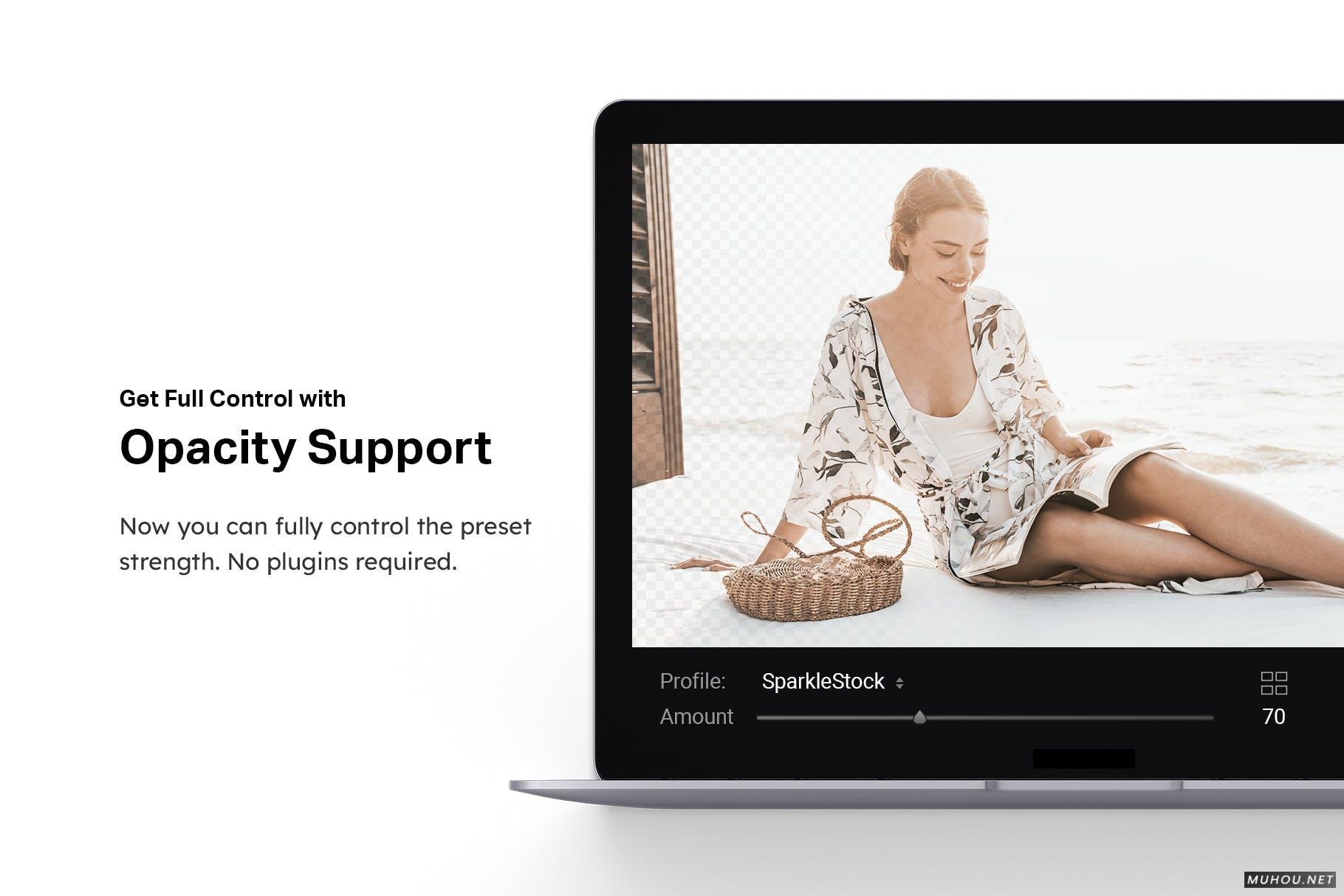
- ✔️不透明度/数量滑块
- ✔️快速渲染配置文件
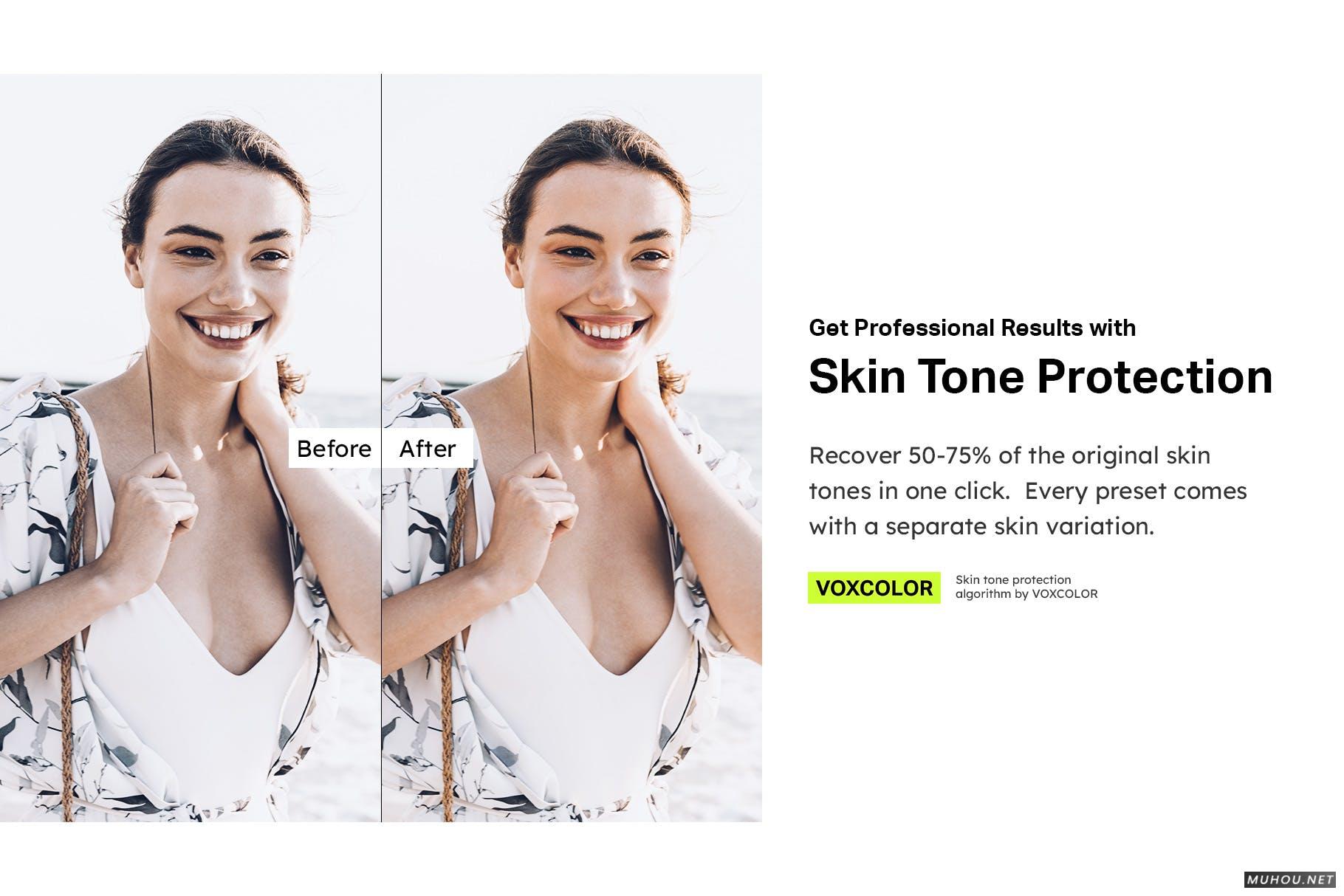
- ✔️肤色保护(VOXCOLOR的色彩科学)
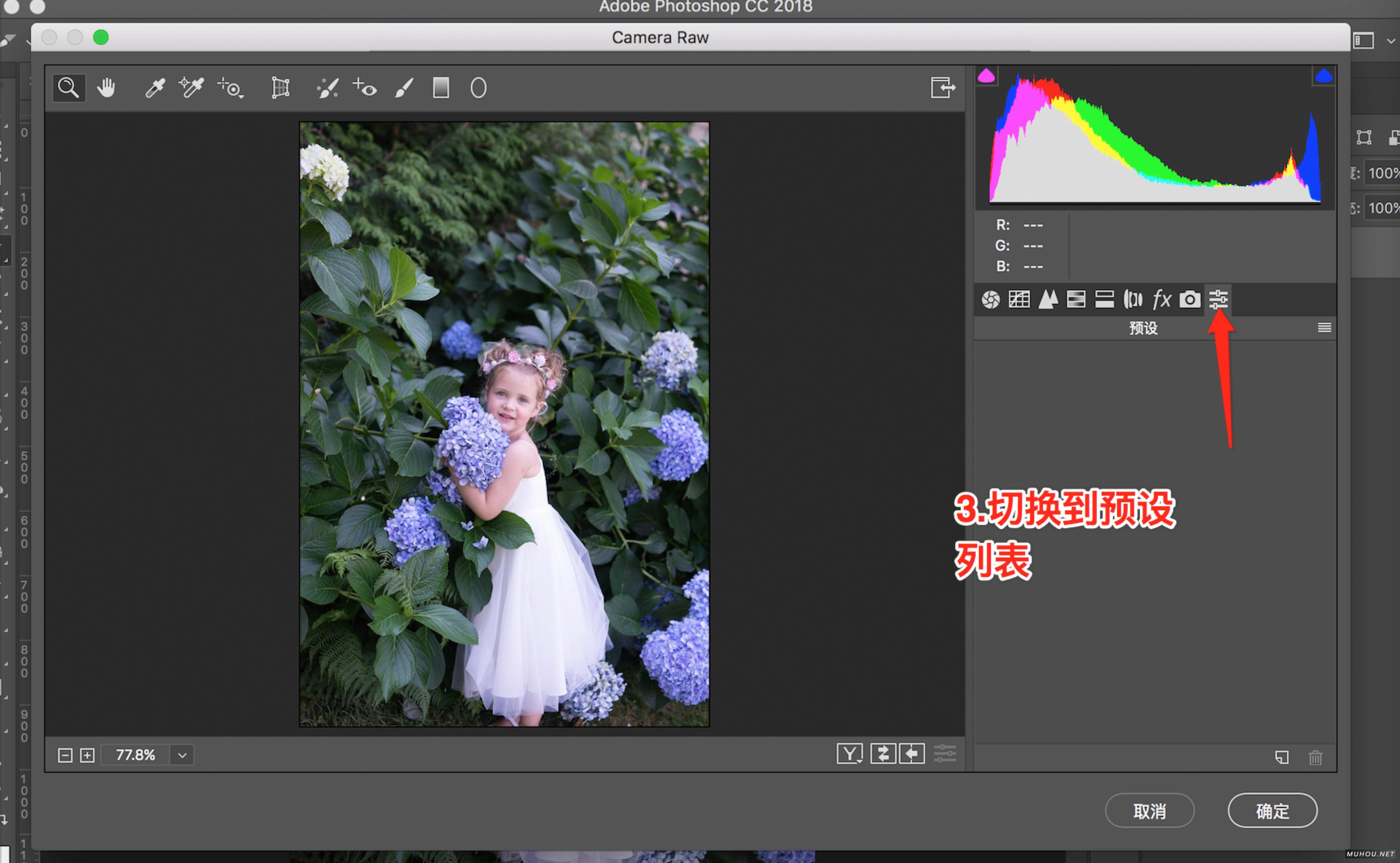
【PS调色预设安装】PS/ACR预设文件.xmp怎么导入Photoshop/Camera RAW+使用教程
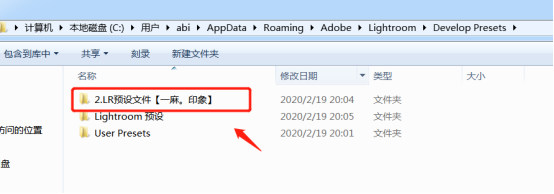
【LR调色预设安装】LR预设如何导入Lightroom图文教程+视频(LR预设怎么用)
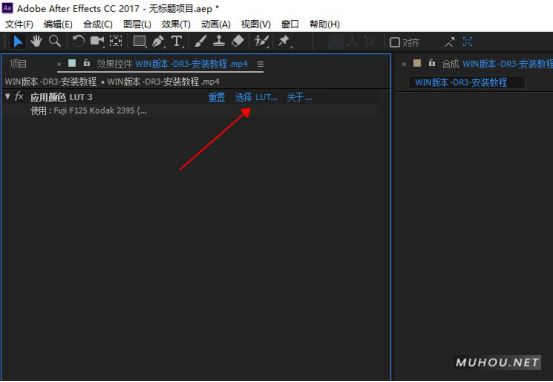
【AE调色预设安装】AE安装调用Luts调色预设教程
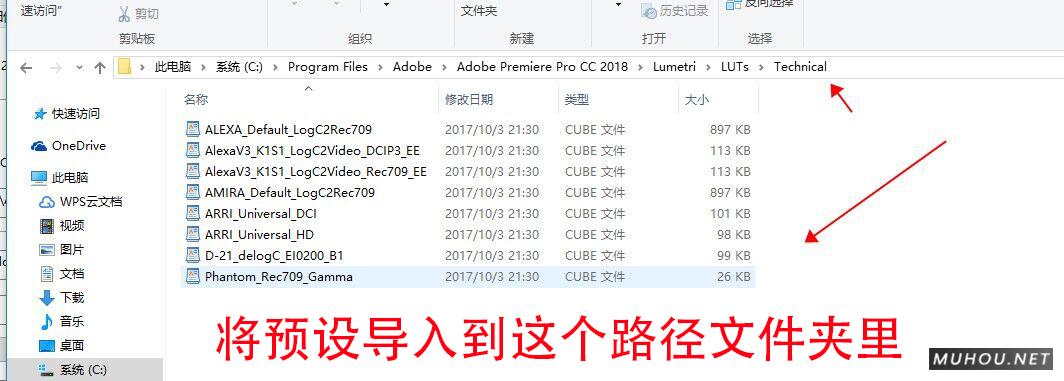
【PR调色预设安装】Premiere安装调用Luts预设步骤教程
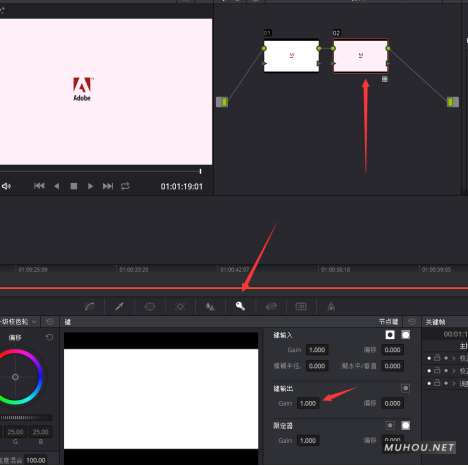
【达芬奇预设安装】DaVinci Resolve调色Luts预设安装步骤
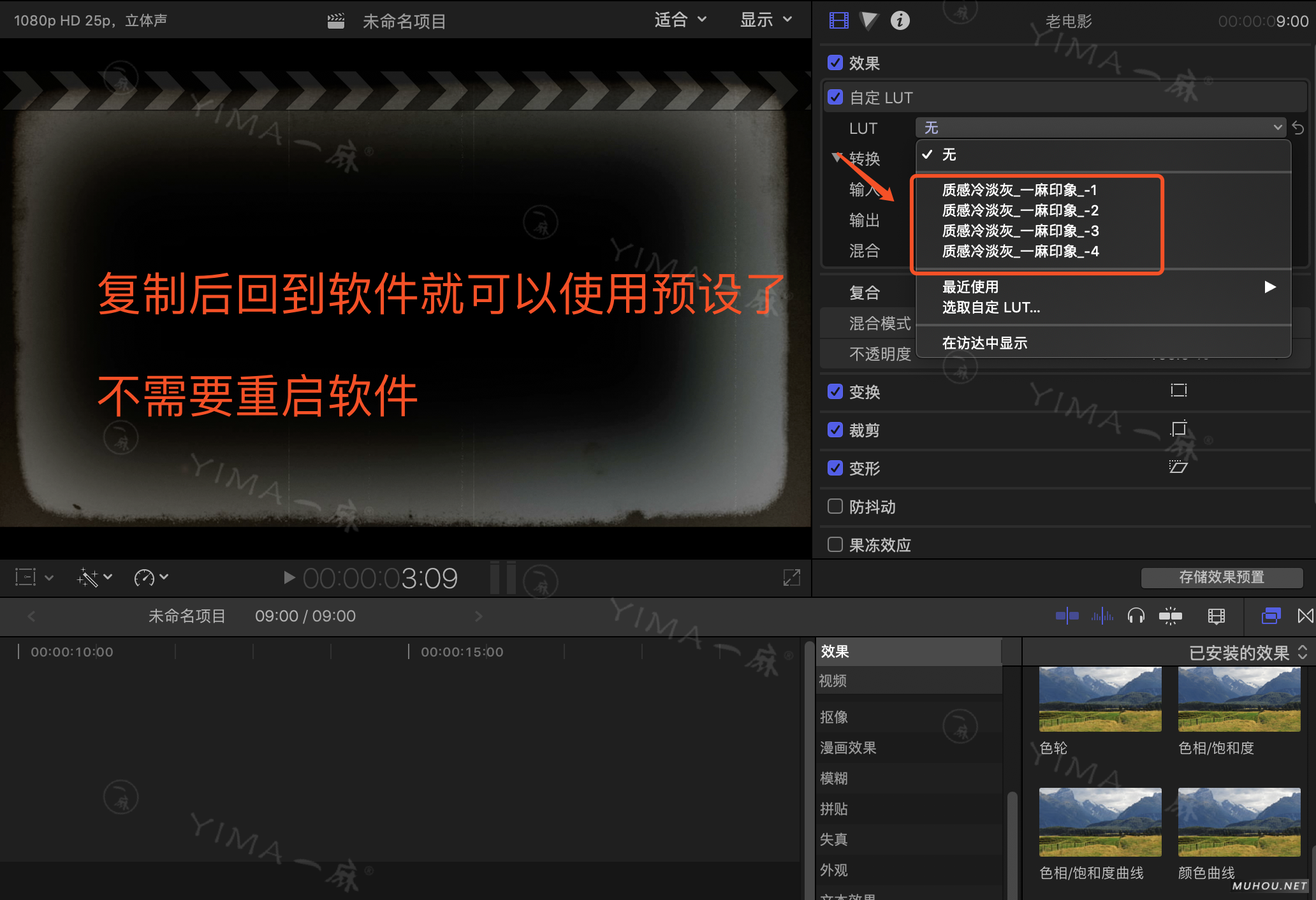
【FCPX预设安装】FCPX导入LUTS调色预设安装教程+插件
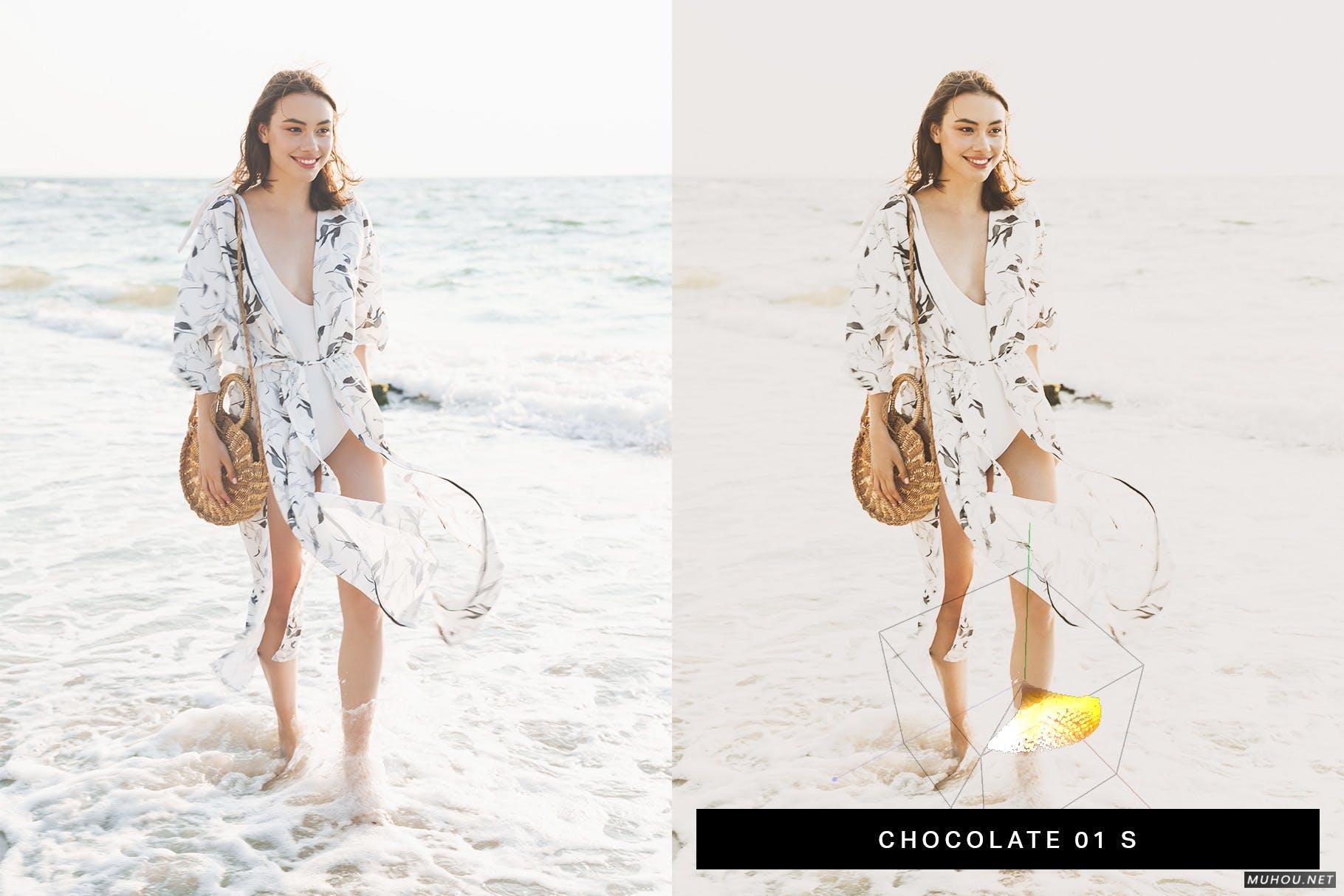
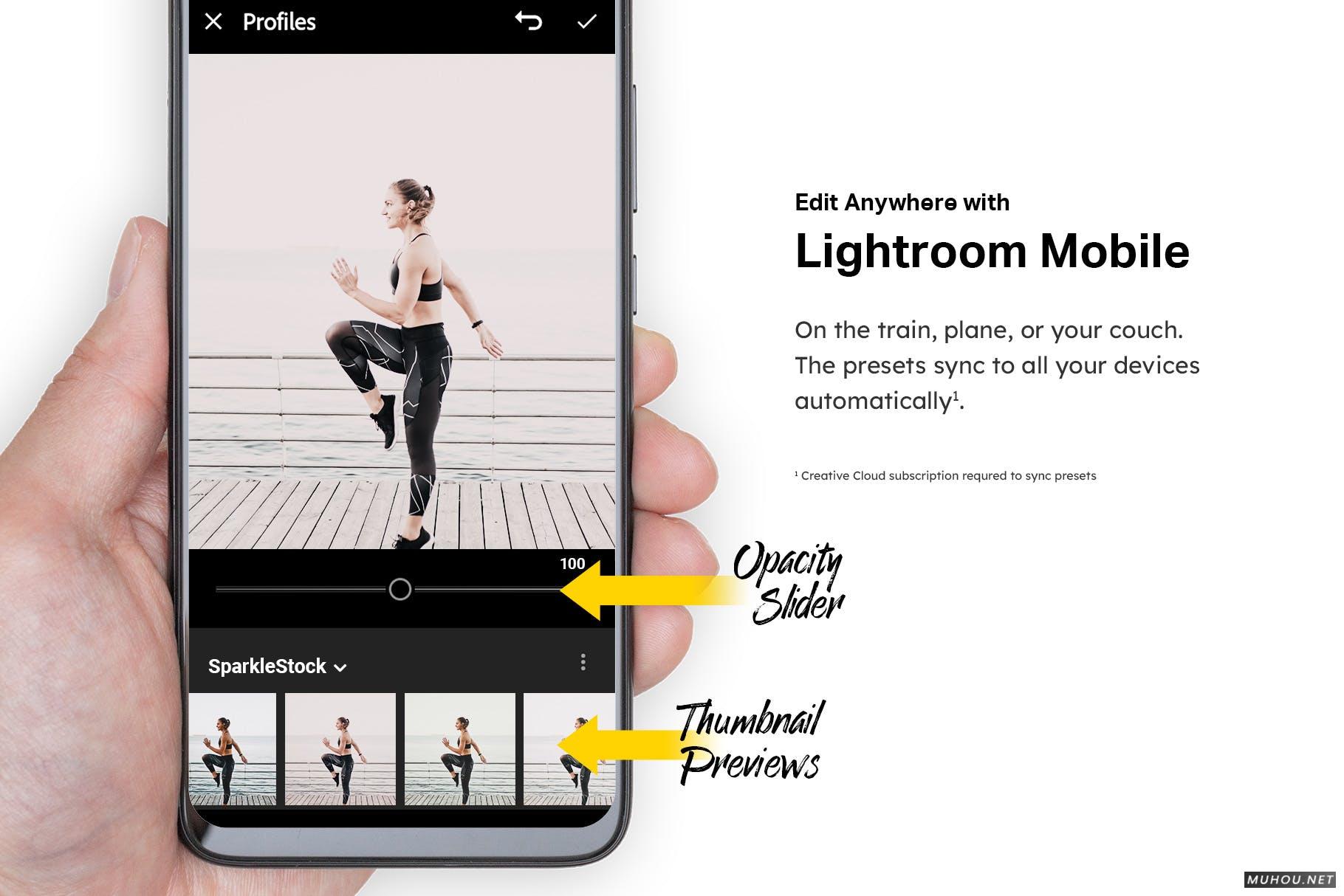
Escape to paradise with these beautiful coconut brown and white Lightroom presets. This bundle gives you 50 Lightroom presets and LUTs. The presets are fully compatible with Lightroom desktop and mobile - allowing you to edit anywhere you are. And with the video LUTs, you can achieve the same color grading between your photos and video clips.
资源特色
- ✔️ True Lightroom Mobile & Desktop Support
- ✔️ Opacity/Amount Slider
- ✔️ Fast-Rendering Profiles
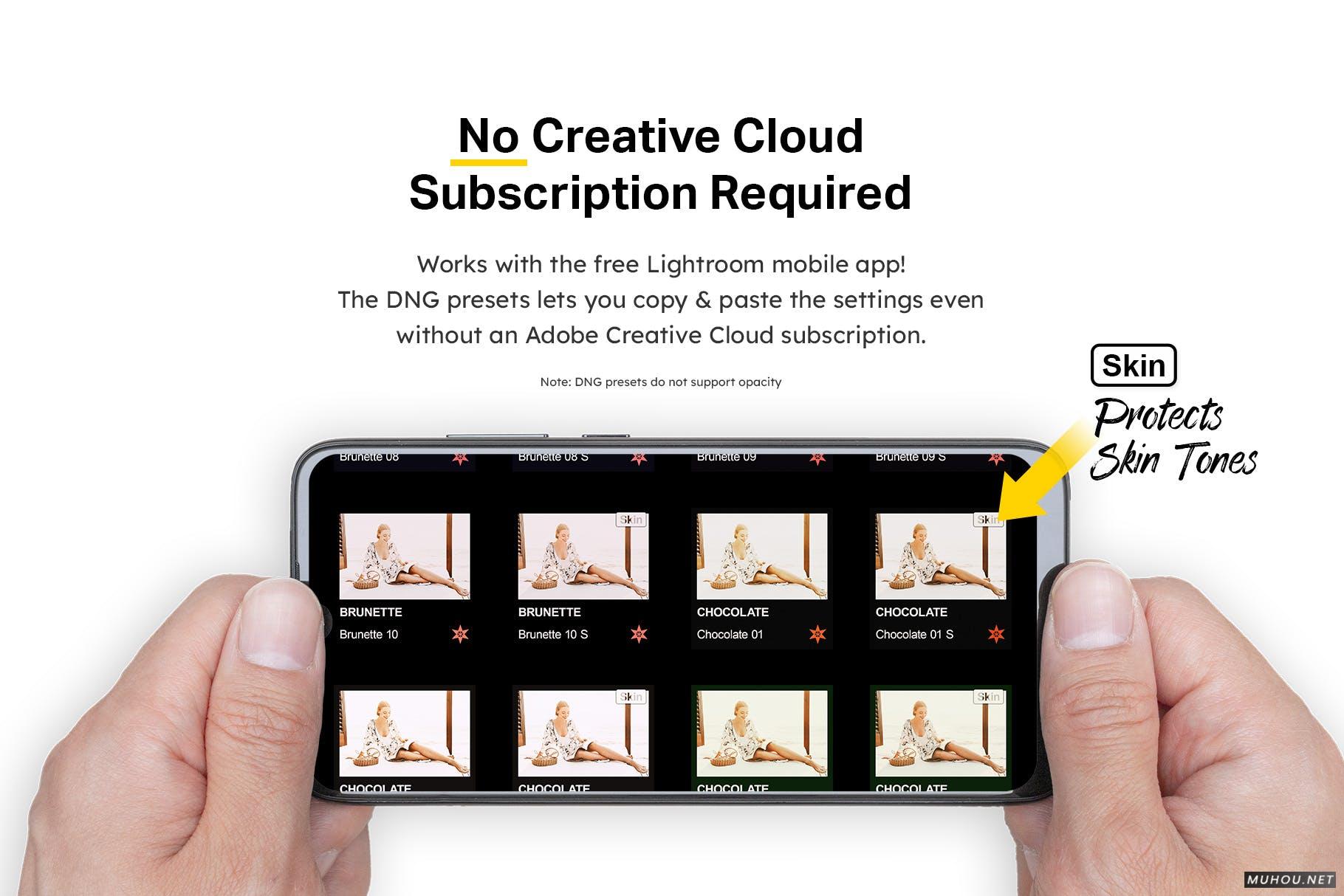
- ✔️ Skin Tone Protection (Color Science by VOXCOLOR)
- ❌ No outdated LR4/5/6/CC7 lrtemplate files (discontinued in 2018)
What You'll Get
- 50 Lightroom Mobile and Desktop presets
- 50 DNG Lightroom Mobile presets
- 50 LUTs (3dl, cube, look, mga, OBS)
- PDF Installation guide
The Bundle
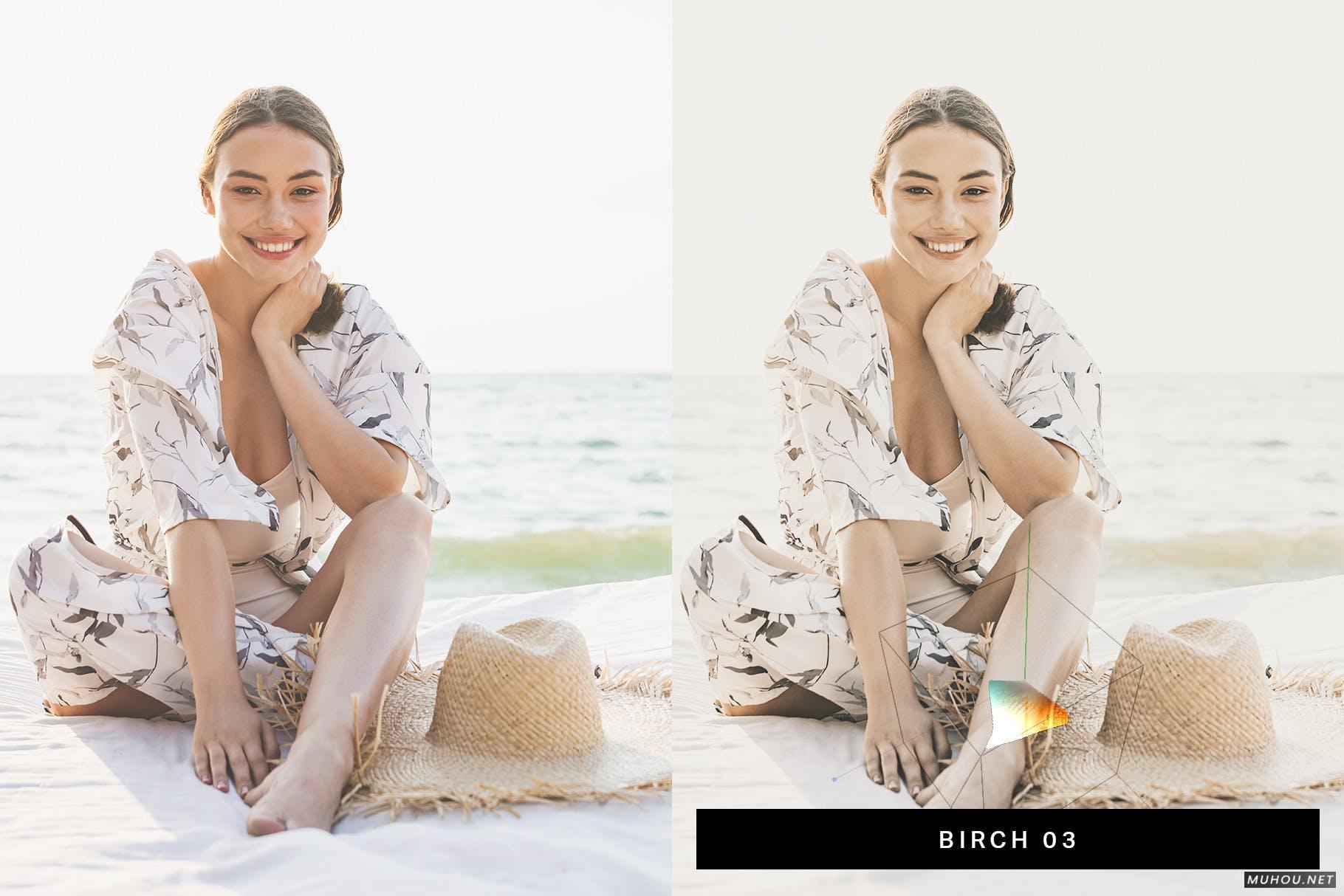
- Birch (10 Presets) - Vintage film presets with sepia browns.
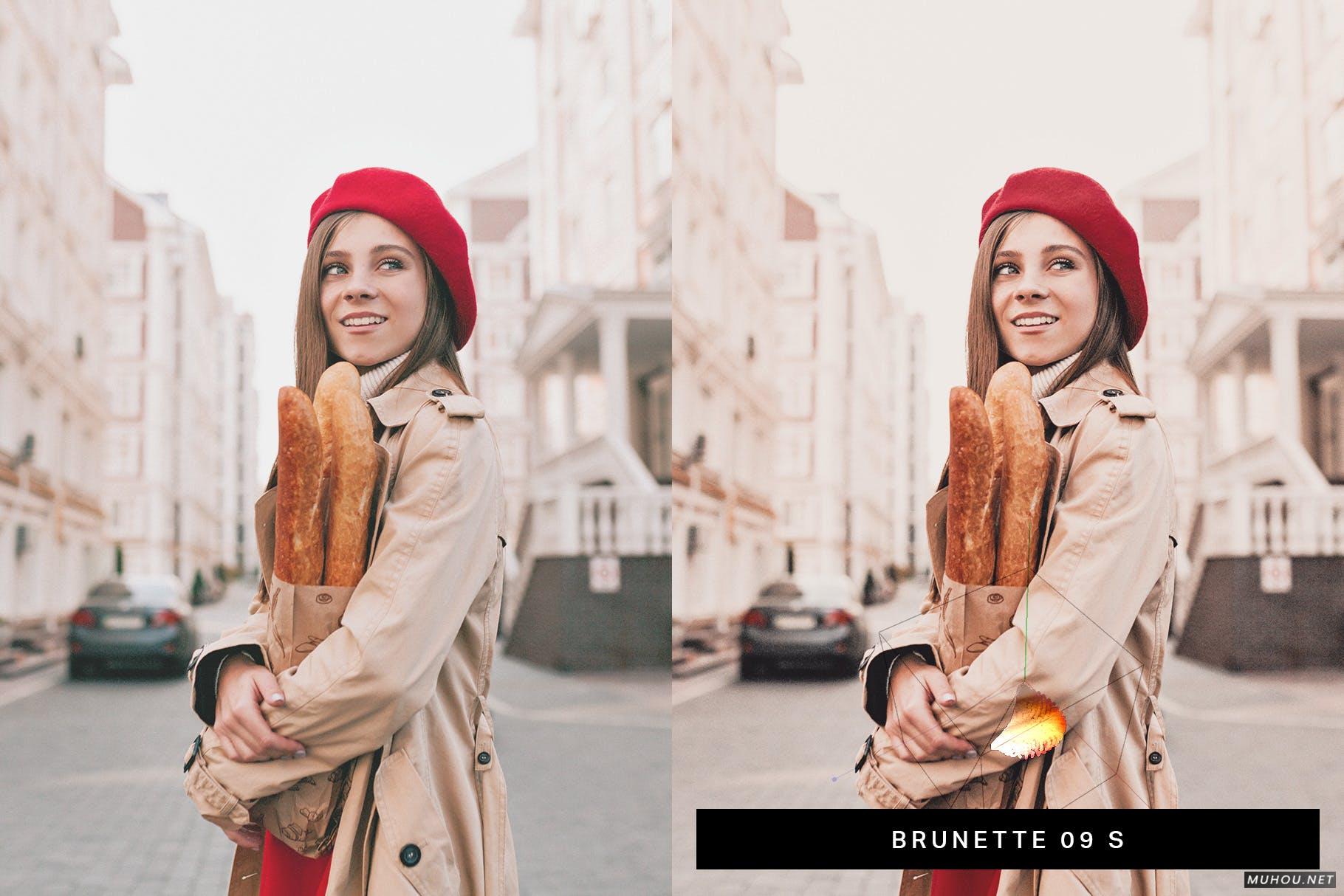
- Brunette (10 Presets) - Browns and maroons with midtone contrast.
- Chocolate (10 Presets) - Delicious browns with a hint of marigold yellow.
- Coffee (10 Presets) - Dark espresso browns with maroons.
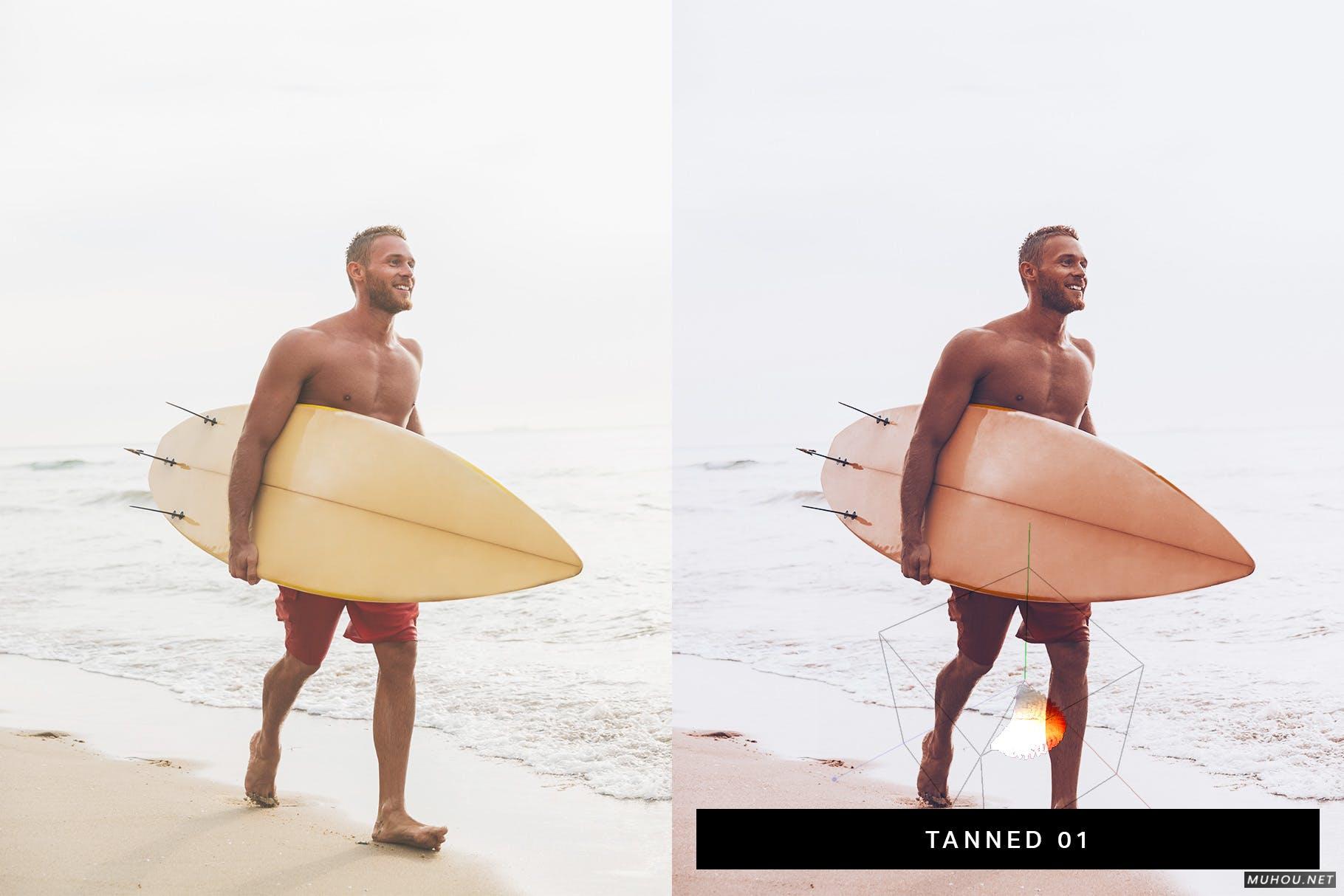
- Tanned (10 Presets) - Gives skin tones a tanned, bronze look.
No Creative Cloud Subscription Required
You’ll get both native and DNG mobile presets! You can use the DNG presets even without a subscription. If you are a subscriber, use the native mobile presets to unlock the opacity/amount setting.
- Native Presets (CC subscription required) automatically sync to your phone and supports opacity.
- DNG Presets can be used without a Creative Cloud subscription. Preset syncing and opacity are not supported.
Advanced Color Grading
Most presets are made with basic Lightroom adjustments. SparkleStock presets are made with profiles.
Profiles manipulate colors in ways that can't be achieved with any combination of Lightroom adjustments. For example, colors shift differently in the shadows, midtones, and highlights. The skin tone protection algorithm is also achieved with profiles.
Lightroom Preset Specs
- Adobe XMP Core Version 5.6
- Process Version 11.0
- Supports Amount: Yes
- Supports HDR: Yes
Compatible With
- Mac and Windows: Adobe Lightroom CC 2019+, Adobe Lightroom Classic CC 2019+, Adobe Camera Raw 11+, Adobe Photoshop CC 2019+, Adobe Premiere Pro CC, Adobe After Effects CC, Final Cut Pro X 10.4+, Blackmagic Design DaVinci Resolve, The Foundry Nuke, Sony Vegas, Wondershare Filmora, Avid Media Composer, CyberLink ColorDirector, Open Broadcaster Software
- Apple iOS Devices: Adobe Lightroom CC, LumaFusion, Video LUT
- Android Devices: Adobe Lightroom CC
[template id="20595"]

